 Configuration Guide -
Sysnet Menu Management Exporter
About
The following configuration options apply to uploads from the manual application uploads and automatic service uploads.
To view or change these options:
- Open the Sysnet Menu Management Exporter application.
- Press the Authenticate button.
- Select the Options button
- Press OK to finalise any changes.
Option | Description |
| |
Only upload PLUs where Include in Export is enabled | If ticked, only PLUs flagged with Include in Export in the selected location will be uploaded. |
Upload modifiers | If ticked, both Modifier PLUs and Modifier Groups will be uploaded in addition to non-modifier PLUs. |
Update Existing
| These options determine which changes to existing (previously uploaded) PLUs are uploaded.
|
Use Short Description | Uploads with the (PLU) short description field instead of the long description. |
Qty on Hand
| Uploads stock on hand and available portions values.
|
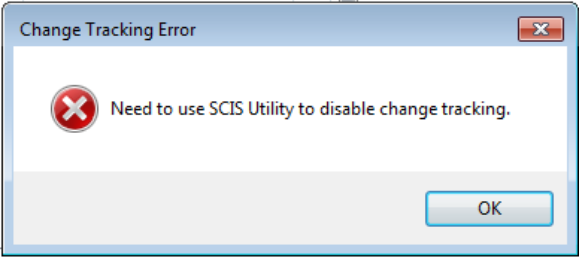
Change Tracking | This option facilitates synchronising PLU and price changes. It should be set to On, unless it is already enabled in the Sysnet Cloud Integration Service (SCIS) Utility. |
| |
Poll Interval | Adjust the frequency (minutes) of the Menu Management Exporter Service checking for new or updated items and prices to upload. (default = 5 minutes) |
Update Prices | Perform an immediate price upload of for exiting (previously synced) items. |
Was this article helpful?
That’s Great!
Thank you for your feedback
Sorry! We couldn't be helpful
Thank you for your feedback
Feedback sent
We appreciate your effort and will try to fix the article